You build an IT decision makers email list by defining the companies and the roles first. Then you find the people in those roles and look up a work email you have a lawful reason to use. Skip the shortcut of buying a giant "CIO list."
I haven't sold a ready-made file of CIO emails, and Openlead does not provide email addresses or phone numbers. What I have done is help teams describe the companies they want and find the right people at each one, with profile links.
On 13 November 2026 I also re-read the US CAN-SPAM rules and my own guides on B2B email finders and buying B2B leads. Here's the process I'd use, and the traps I'd skip. You can't shortcut the company filter and still get a clean list.
In short
- Build an IT decision makers email list from the company and the role first, then look up a work email you have a lawful reason to use.
- Openlead does not provide email addresses or phone numbers. It finds the companies and the people, with profile links.
- Verify every address, and follow the email rules that apply in each country you write to.
- A bought list of CIO emails is the weakest way to start, and it is often a legal risk.
What you'll need before starting
-
A one-sentence ICP covering industry, company size, and location, plus the problem you sell to. - A short list of target titles (see Step 2).
-
A way to find companies and people (I use Openlead for that part). - A contact-data tool or a manual lookup for work emails, plus a verifier. - A lawful basis to email: in the US, CAN-SPAM still applies to commercial email; in the EU and UK, GDPR is stricter and buying a raw list is often a poor idea.
Time required: a first list of 50 to 100 verified contacts often takes a half-day, sometimes a couple of days if you verify by hand.
How to build an IT decision makers email list: step by step
Step 1: Define the company first
Write the firmographics first: industry, headcount, country, and any other company fact that affects the sale. "CIOs in the US" is not an ICP. "CIOs at US manufacturers with 400 to 2,000 staff and at least three plants" is. I explain the company layer in buyer persona vs ideal customer profile: the ICP is the filter for companies, and the persona is the role inside them.
If you skip this step, every later step multiplies the mess: you will "find" IT leaders at companies that can't buy.
Step 2: Name the decision makers you actually need
IT buying is usually a group. I would start with one primary title and one or two others:
-
CIO, CTO, or VP of IT / VP of Engineering (the executive sponsor).
-
IT Director, Head of Infrastructure, CISO, or Head of Security (the user or the veto).
-
Sometimes a COO or CFO on a larger purchase.
The right mix depends a bit on what you sell. A backup product and a SOC tool are not sent to the same person. Write the titles down before you search, or the tool will happily return every "IT" string it can find.
Step 3: Find the companies and the people
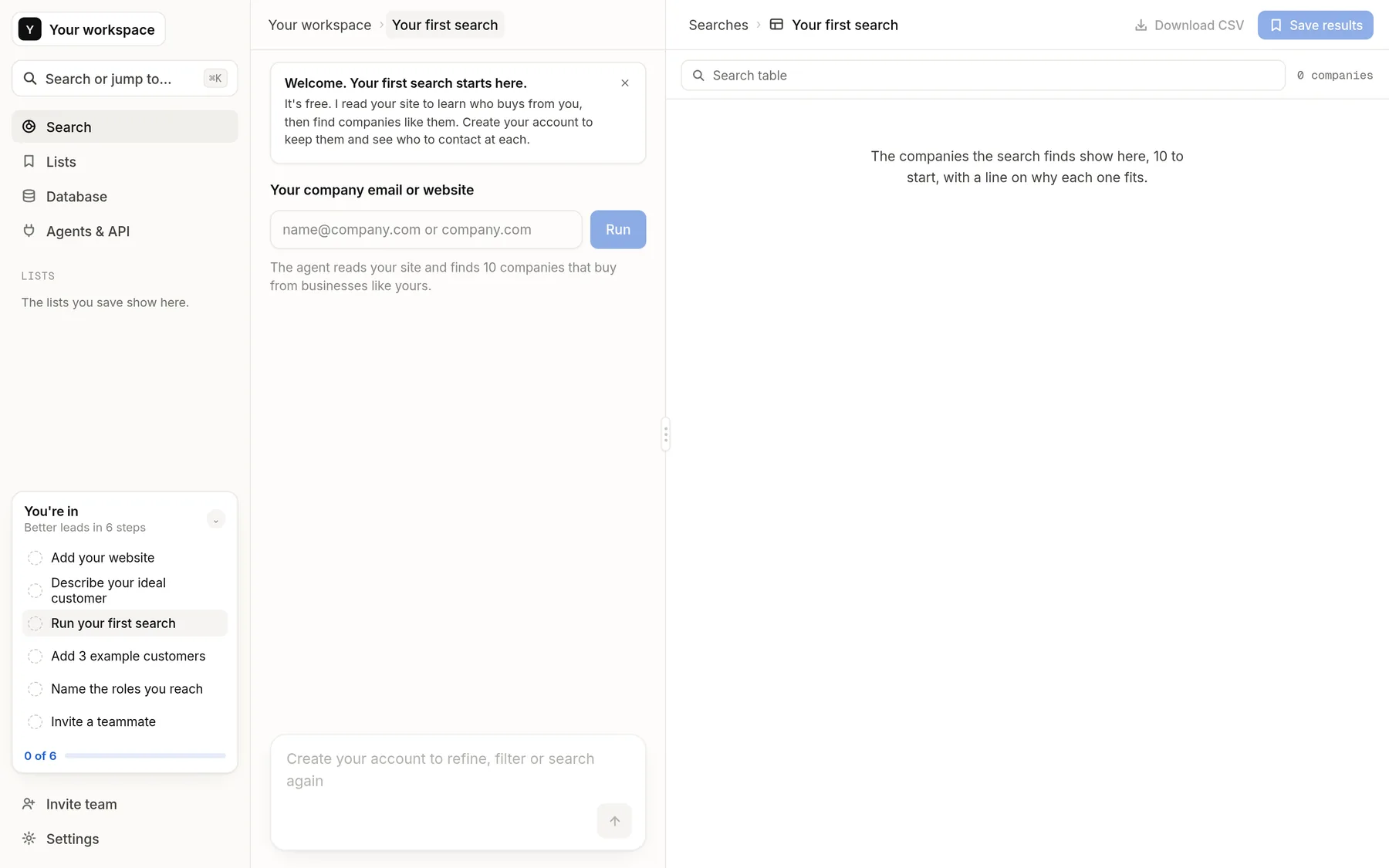
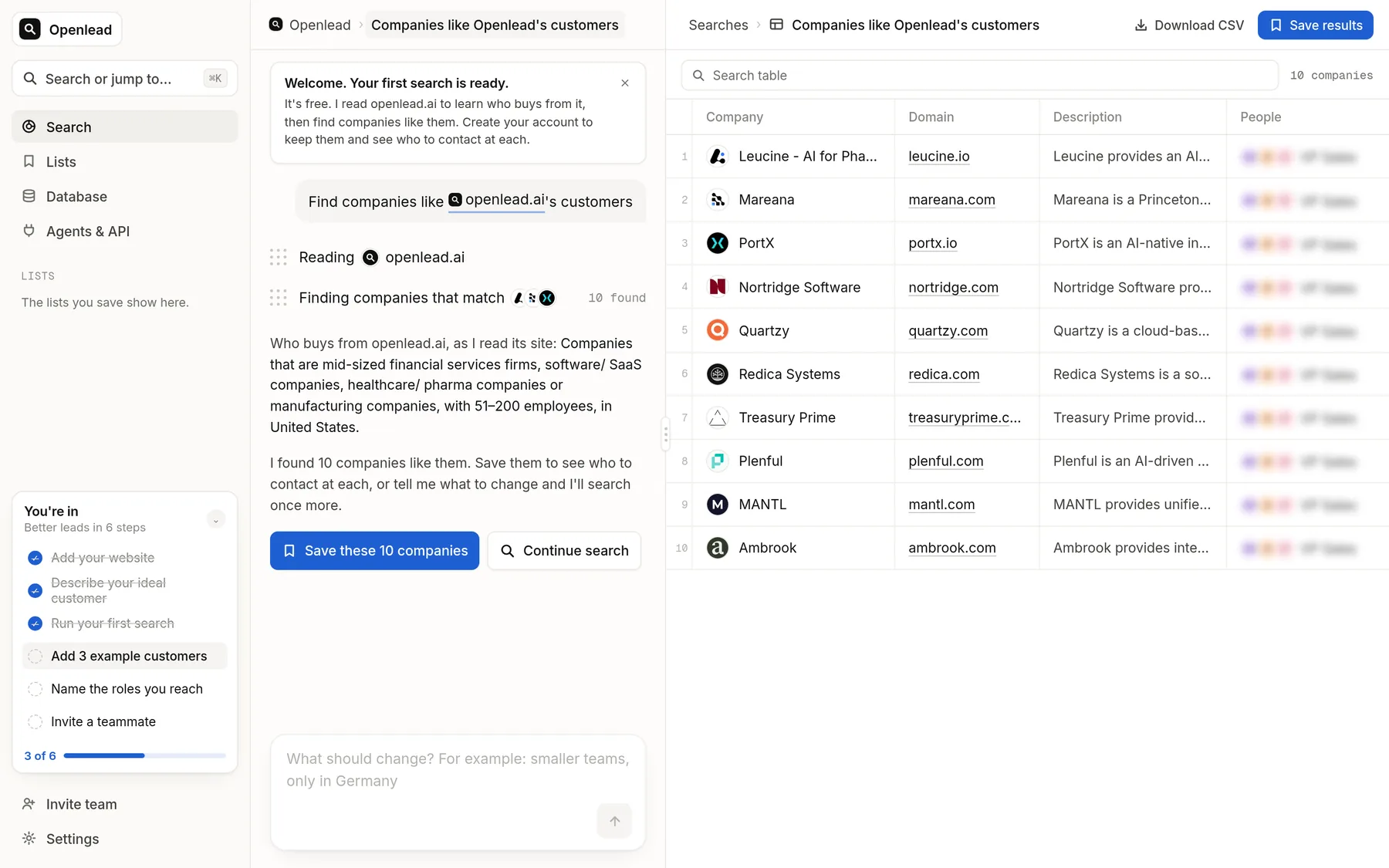
Search for companies that match the ICP, then pick 1 to 3 people at each with a public profile you can check. This is the step I built Openlead for: you describe the customer in plain words and get companies plus people, with profile links. It does not return emails. That's deliberate. You shouldn't buy 5,000 addresses until you know the 200 companies that belong on the list.
Other options include a lead database or manual research from the company site and LinkedIn. However you do it, save the company, the person's name, the title, and the profile link before you look up an email.
Step 4: Find and verify the work email
Use a B2B email finder or a careful manual lookup (the company domain plus a public pattern). Then verify. A finder that returns an address still needs a mailbox check. I would verify every address I plan to email, and I would drop anything the verifier marks as risky.
Do not scrape personal Gmail or private addresses and call that a work list. You want a role-based or named work email at the company's domain, with a record of where you found it.
Step 5: Keep the list legal and usable
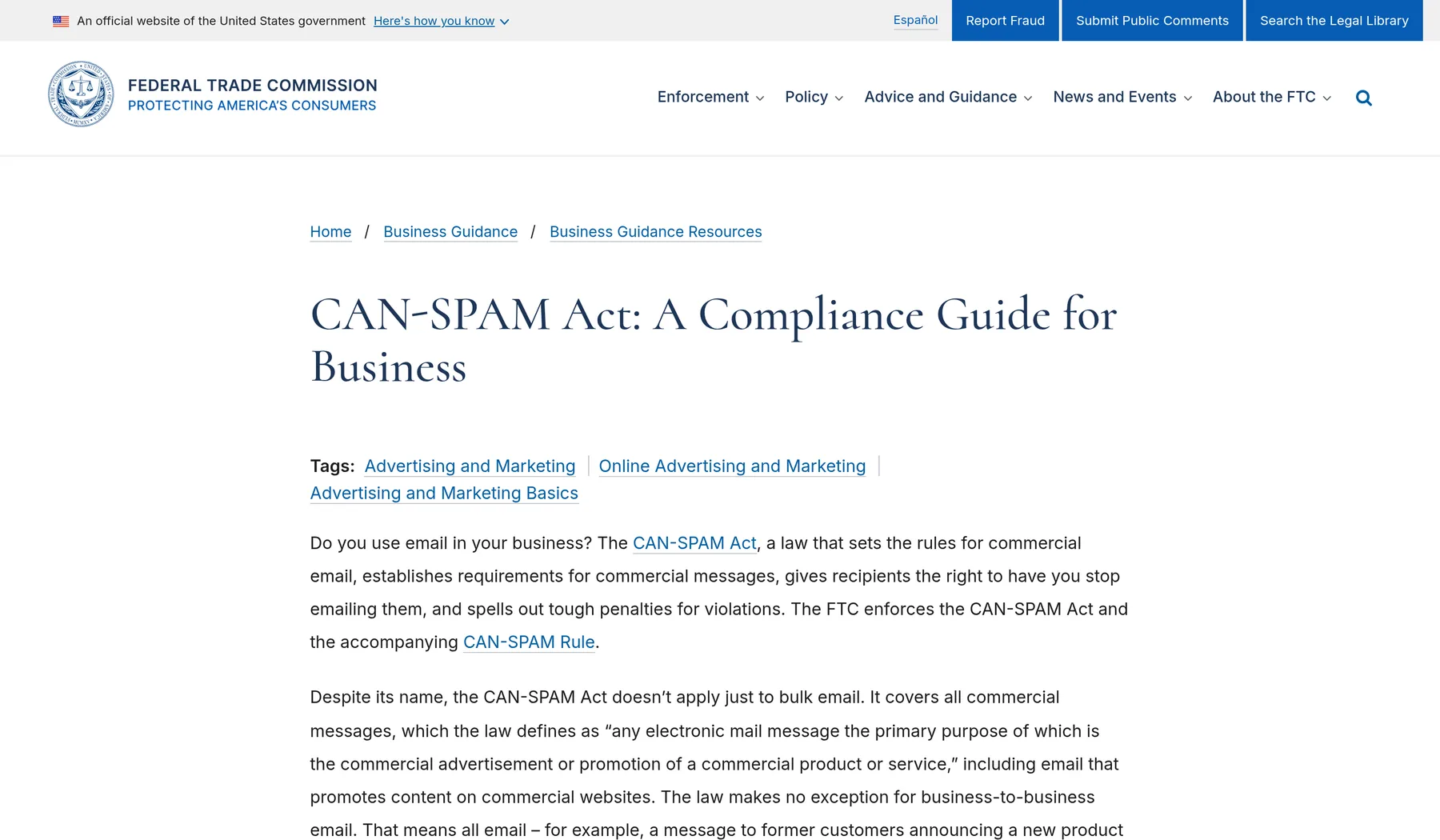
In the US, the FTC's CAN-SPAM guide says commercial email must be honest in the header and subject. It must identify the message as an ad, include a physical postal address, and honor opt-outs promptly. That is the floor. It is still a poor idea to email anyone you can find.
In the EU and UK, you typically need a lawful basis under GDPR to email a person. "I bought a file" is not a plan. If you sell there, talk to a lawyer before you upload a purchased list. I cover more of the buying rules in buy B2B leads.
Store the list in your CRM or a spreadsheet with source, date, country, and opt-out status. A stagnant CSV on a laptop goes stale in months and is hard to defend if someone asks where a row came from.
A sample row from the result
After those steps, a row should look like this:
Acme Manufacturing, 800 staff, Ohio, US. Jane Diaz, CIO. Profile: linkedin.com/in/example. Work email: jane.diaz@acme-example.com (verified 13 November 2026, source: email finder + verifier). Legal basis: CAN-SPAM commercial email, opt-out link in the footer.
Add the email last, after the company and the person are confirmed.
A worked example
You sell backup software to mid-size manufacturers in the DACH region. The decision maker is usually a Head of IT or an IT operations lead. A generic inbox is a weak start. You write one sentence for the company filter, build the firm list, find those roles, then look up a verified work email in a finder you trust.
Do not start from a file titled "10,000 CIOs." Start from the company.
Common mistakes to avoid
-
Buying a 10,000-row "IT decision makers email list": You inherit stale titles, personal addresses, and people who left two jobs ago. Start with companies, then contacts. - Treating every IT title as a buyer: An IT support inbox is a poor substitute for a CIO. Fewer, better-fit titles beat a wide net.
-
Emailing unverified addresses: Bounces hurt the domain you send from. Verify first. - Ignoring the country of the person: A list that is fine under CAN-SPAM can still be a problem under GDPR. Segment by country.
Openlead makes the company-and-people step easier
Openlead takes the ICP sentence and returns matching companies, with 1 to 3 relevant people at each and their profile links. It does not give email addresses or phone numbers. Use it to build the account list, then use an email finder only on those people.
-
Faster shortlists: You describe the manufacturers you want, instead of downloading a generic CIO file.
-
People attached to the company: You see who to look up, already attached to the company.
-
No contact data to over-claim: Emails stay in the tool that is built for them.
Frequently asked questions
How long does it take to build an IT decision makers email list?
A first batch of 50 to 100 verified contacts often takes a half-day to two days. A 5,000-row file you bought in 10 minutes will take much longer to clean, and many of the rows will still be wrong.
Is it legal to buy an IT decision makers email list?
Yes, in some cases in the US it can be legal if you still follow CAN-SPAM, but legality is not the same as quality. In the EU and UK, buying a raw list is often hard to justify under GDPR. Check the law in each country you email, and prefer a list you built and can source.
Who counts as an IT decision maker?
Usually the executive who owns the budget (CIO, CTO, VP of IT or Engineering) and the leader who will use or reject the tool (IT Director, CISO, Head of Infrastructure). The exact titles depend on what you sell and on company size.
Can Openlead give me the emails?
No. Openlead finds companies and 1 to 3 people at each, with profile links. You use a separate email finder and a verifier if you need addresses.
Should I email a generic inbox like it@company.com?
No. I'd skip it for a first reach-out. A named person with a checked title replies more often than a shared inbox, and a generic alias is a poor fit for a personal sales email.
About the author
Julian KrethFounder, Openlead


